
Resources
Small and Rural Pretrial Dashboard
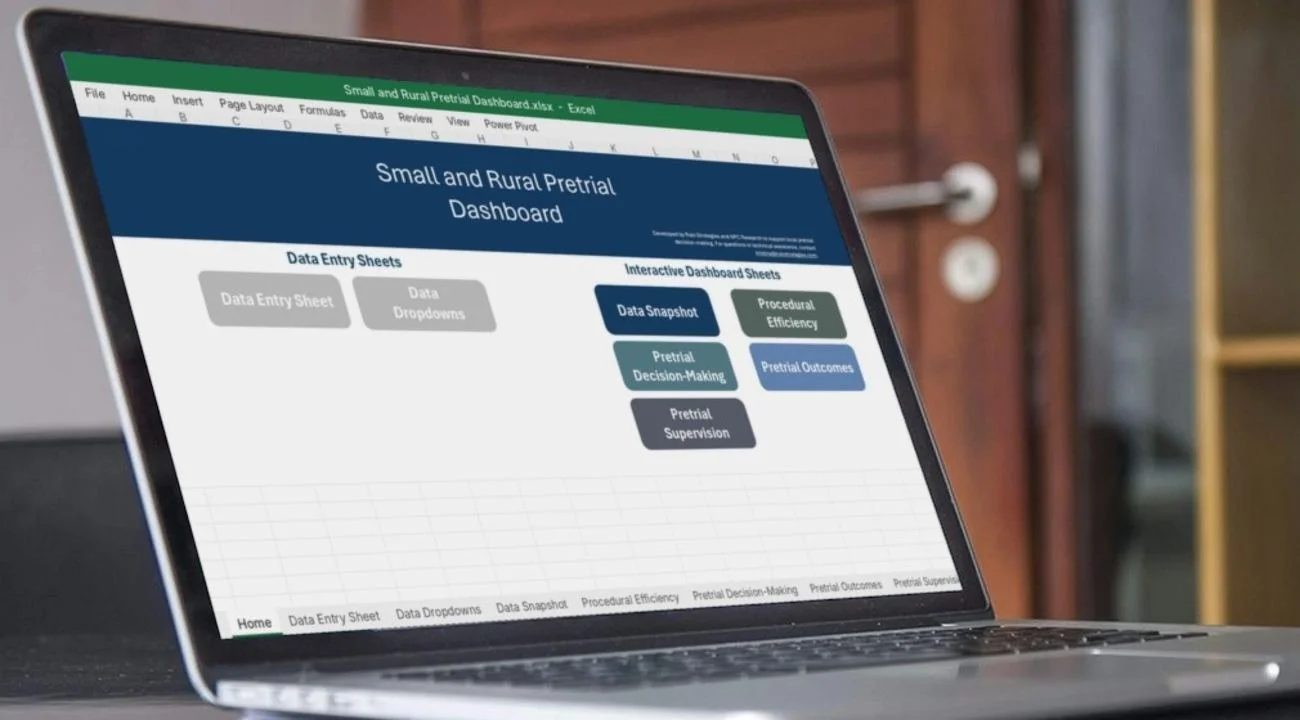
A free Excel workbook that turns the case-level information an agency already collects into the system-level measures judges, county leaders, and justice partners ask about.
What It Is
A system-level view of pretrial
The dashboard organizes case-level pretrial data into visual summaries that help a jurisdiction monitor trends, identify bottlenecks, and support informed decisions. It was built for small and rural localities without a dedicated data management system, and it is useful whether or not a formal pretrial agency exists locally.
What It Is not
The dashboard is not a case management tool. It does not hold the detail needed to supervise individuals, coordinate services, or track compliance case by case, and it is not designed to evaluate individual judges, attorneys, officers, or specific cases.
How it works
From data entry to discussion
inside the dashboard
Five tabs, five questions
Each tab answers one question partners regularly raise. The figures shown are illustrative and do not represent any jurisdiction.
BEFORE YOU START
What the workbook needs
The first time the workbook is opened, the first refresh can take up to 30 seconds while the data model loads. That is normal.
Microsoft Excel 2016 or later on Windows. Excel for Mac does not support Power Pivot.
Content enabled. Click Enable Content when the yellow security bar appears, or the data model will not refresh.
One master copy. Save the workbook in a secure shared location and avoid working copies.
Named owners. A primary data lead, a backup, and a supervisor who reviews the data periodically.
reading results responsibly
A four-step framework for the conversation
Smaller jurisdictions see more month-to-month movement because they process fewer cases. Focus on quarterly or multi-period trends, and treat findings as the start of inquiry.
Observe
Is the measure rising, falling, or stable? Describe it without assigning cause.
Contextualize
What changed in law, court rules, case volume, charge severity, or staffing?
Explore
Is a longer trend or a look at raw counts needed? Is the dataset complete?
Respond
Monitor, analyze further, clarify practice, adjust policy, or provide training.
Downloads
Free for pretrial programs
Developed by NPC Research and Rulo Strategies with support from the Bureau of Justice Assistance. For help setting up the dashboard, request technical assistance from the Rural Justice Solutions team.
This project was supported by Grant No. 15PBJA-22-GK-03661-JAGT awarded by the Bureau of Justice Assistance. The Bureau of Justice Assistance is a component of the Office of Justice Programs, which also includes the Bureau of Justice Statistics, the National Institute of Justice, the Office of Juvenile Justice and Delinquency Prevention, the Office for Victims of Crime, and the Office of Sex Offender Sentencing, Monitoring, Apprehending, Registering, and Tracking. Points of view or opinions in this document are those of the author and do not necessarily represent the official position or policies of the U.S. Department of Justice.